Design Introduction
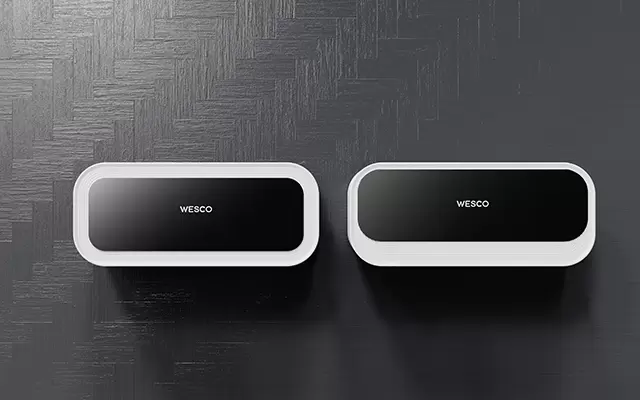
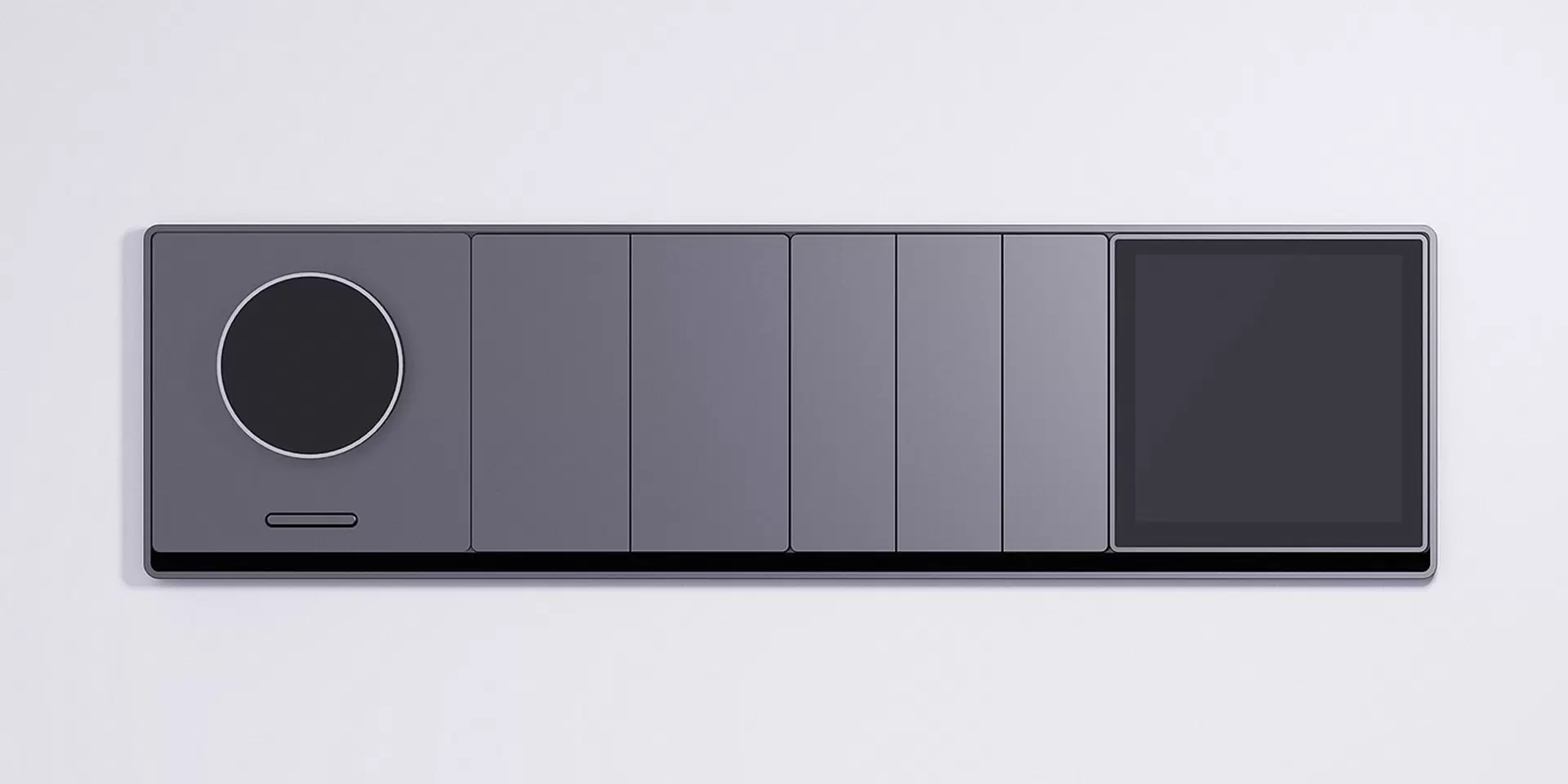
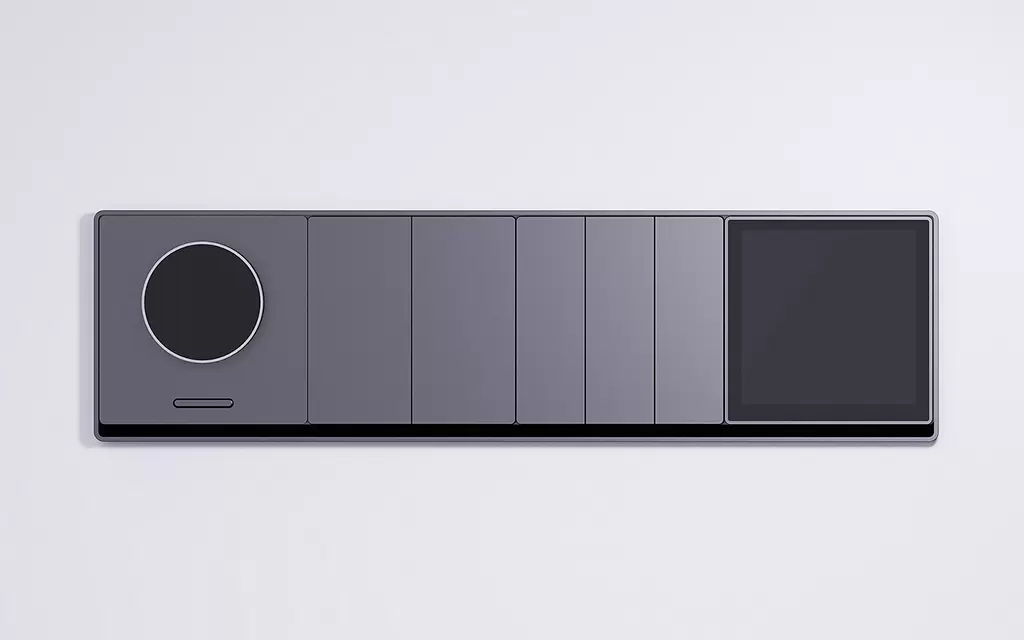
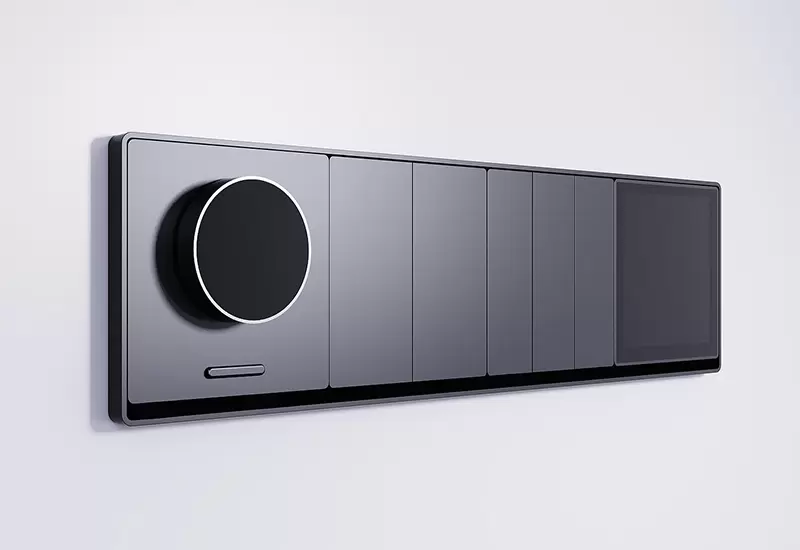
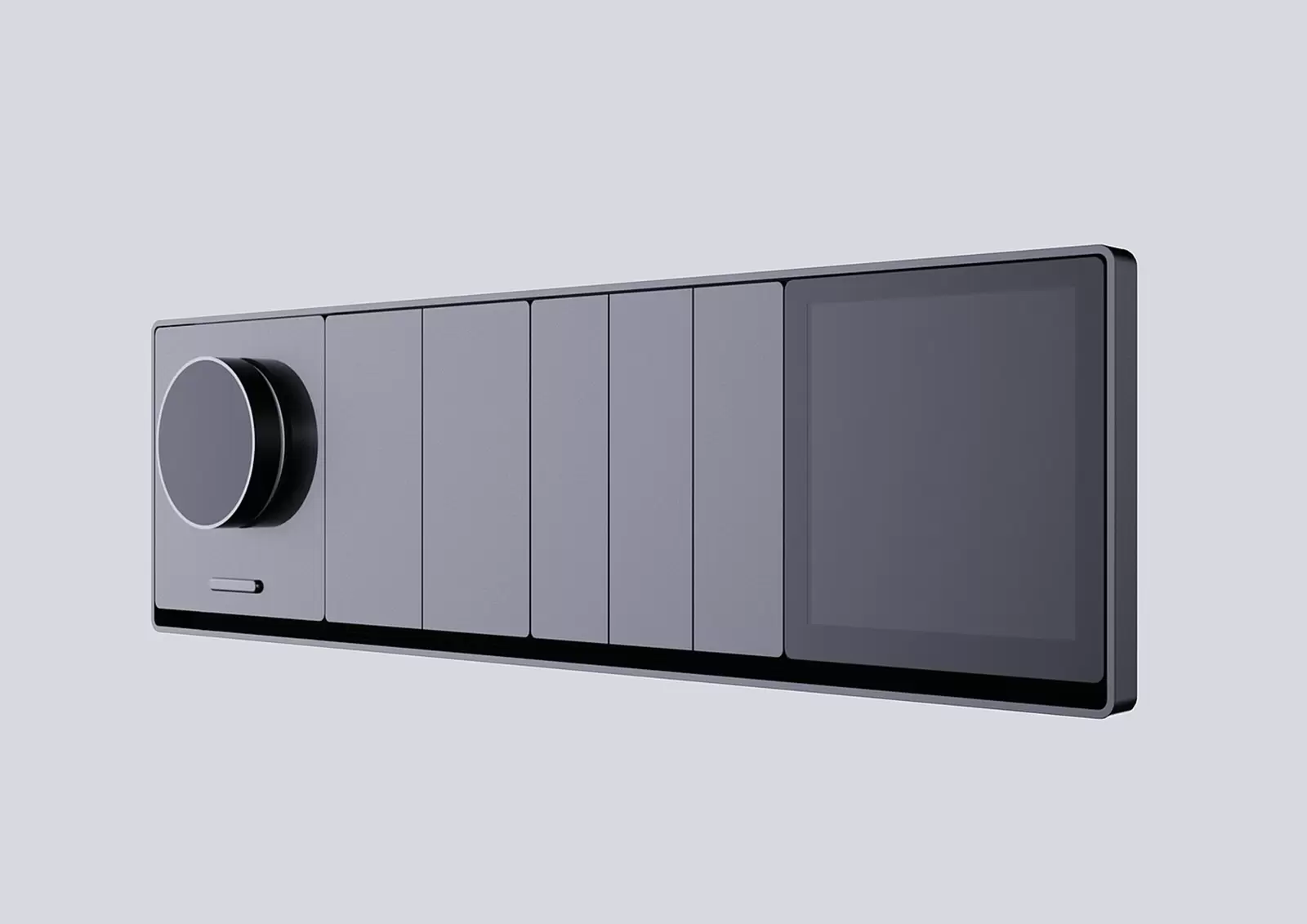
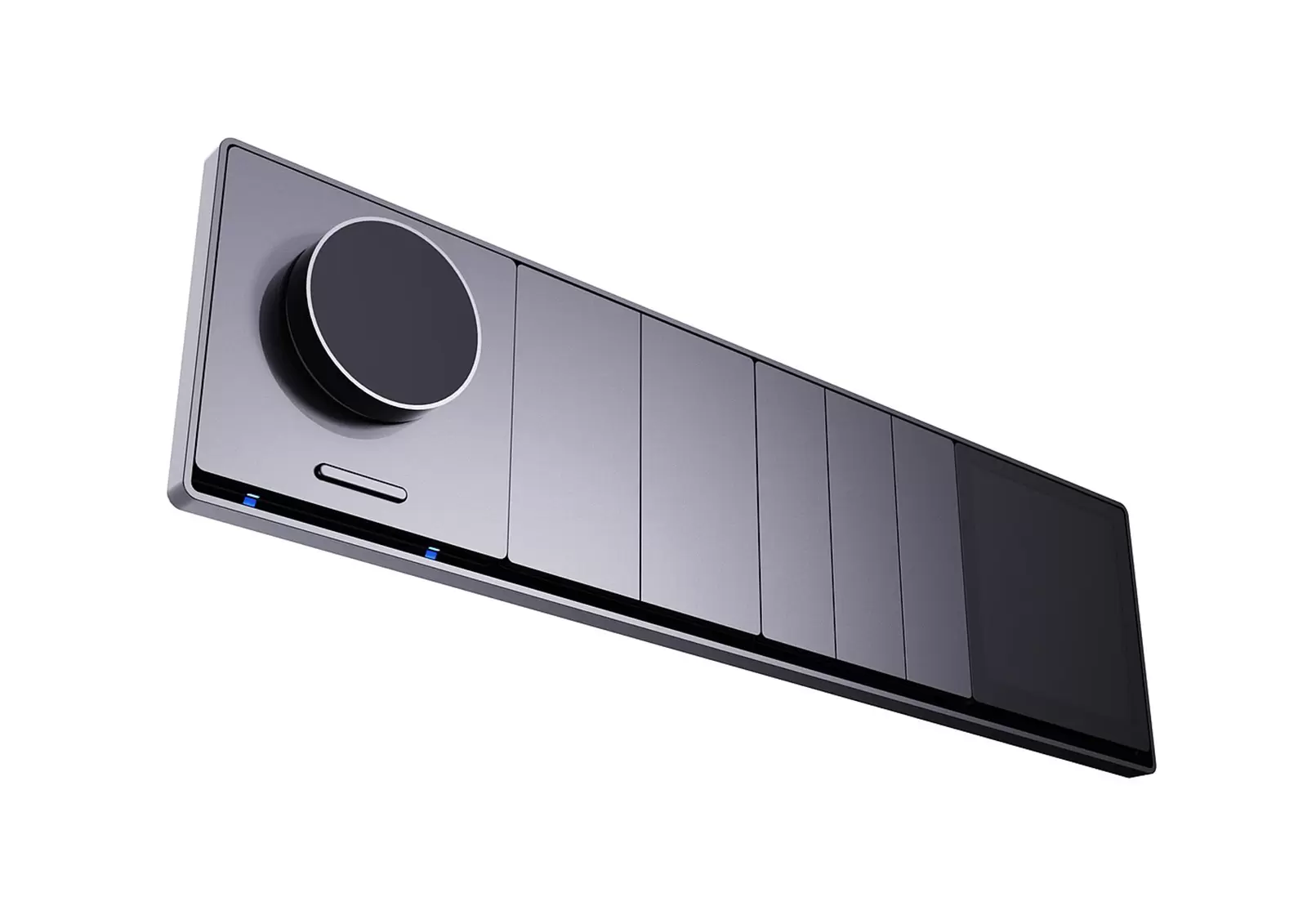
Function layout: The left circular knob facilitates stepless control operations such as adjusting light brightness and switching scene modes, which conforms to ergonomics. The rotation feels smooth and has clear paragraph feedback; Multiple flat buttons in the middle can be customized to bind quick functions such as turning on/off lights and turning on devices, meeting users' one click operation needs; The right touch screen is used for complex scene settings, device status viewing, and intelligent interaction, expanding functions while enhancing the intuitiveness and convenience of operations.
The combination of physical buttons and touch screens takes into account different user operating habits. The physical interaction of knobs provides tactile feedback, and the pressing sensation of buttons is clear. The touch operation of the screen is flexible, making it easy for both elderly and young people to get started and reducing the threshold for using intelligent control.